



Vehicle entry
Add a vehicle with just the VIN number
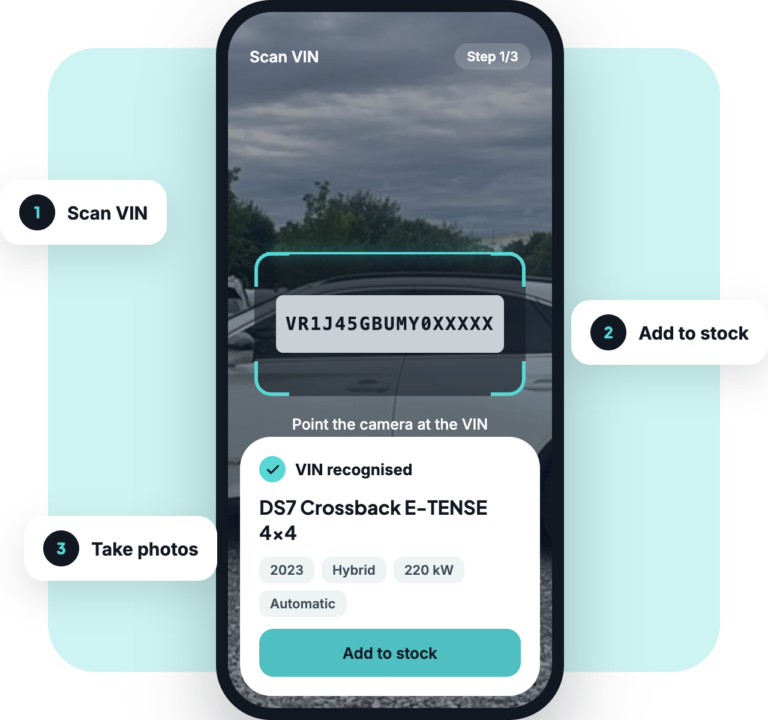
Scan the VIN, add the vehicle to stock, start photographing.



Offline mode
entry without internet

Polished photos
in under a minute

Add a vehicle
automatically to stock

90+
supported vehicle brands
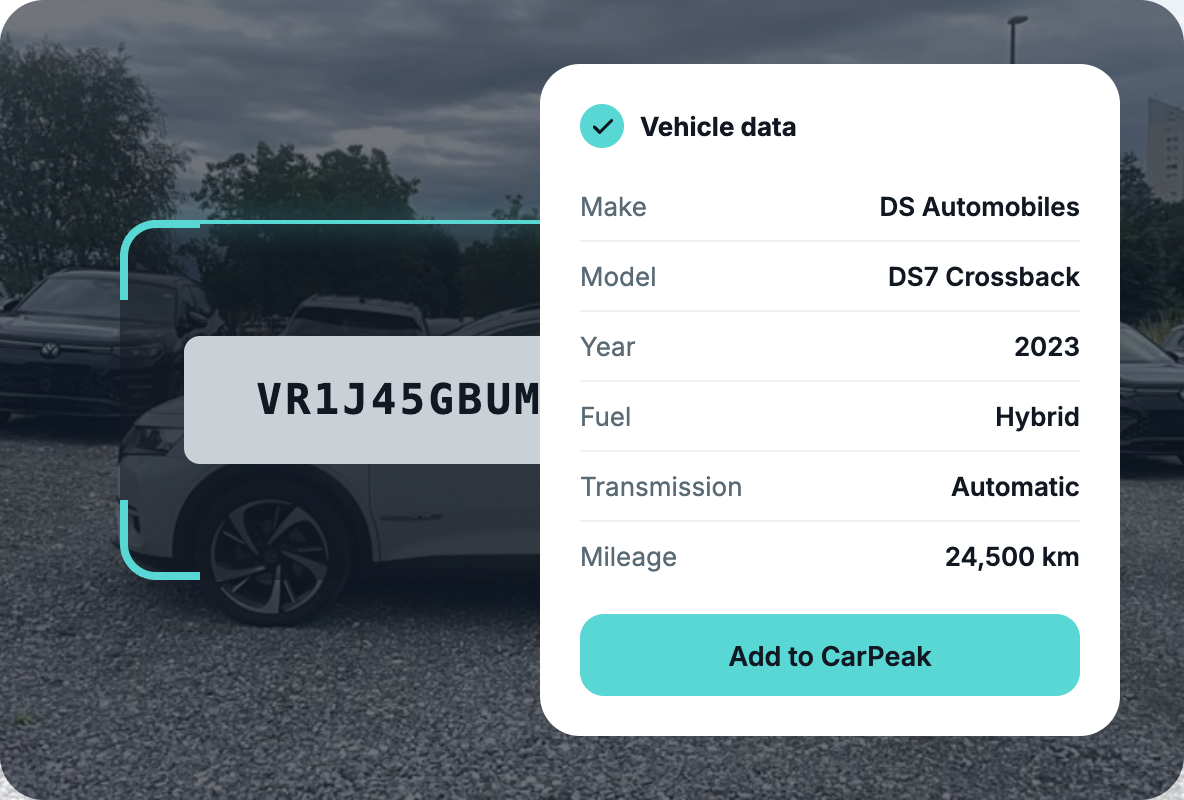
Scan the VIN number.
The app recognizes the VIN and automatically fills in all vehicle data. No manual retyping and no errors.
VIN recognition: the app recognizes the VIN and automatically fills in all the data.
90+ vehicle brands: from Chinese and Vietnamese brands to all brands in Europe.
Quick entry: you add a vehicle in under a minute and start photographing right away.
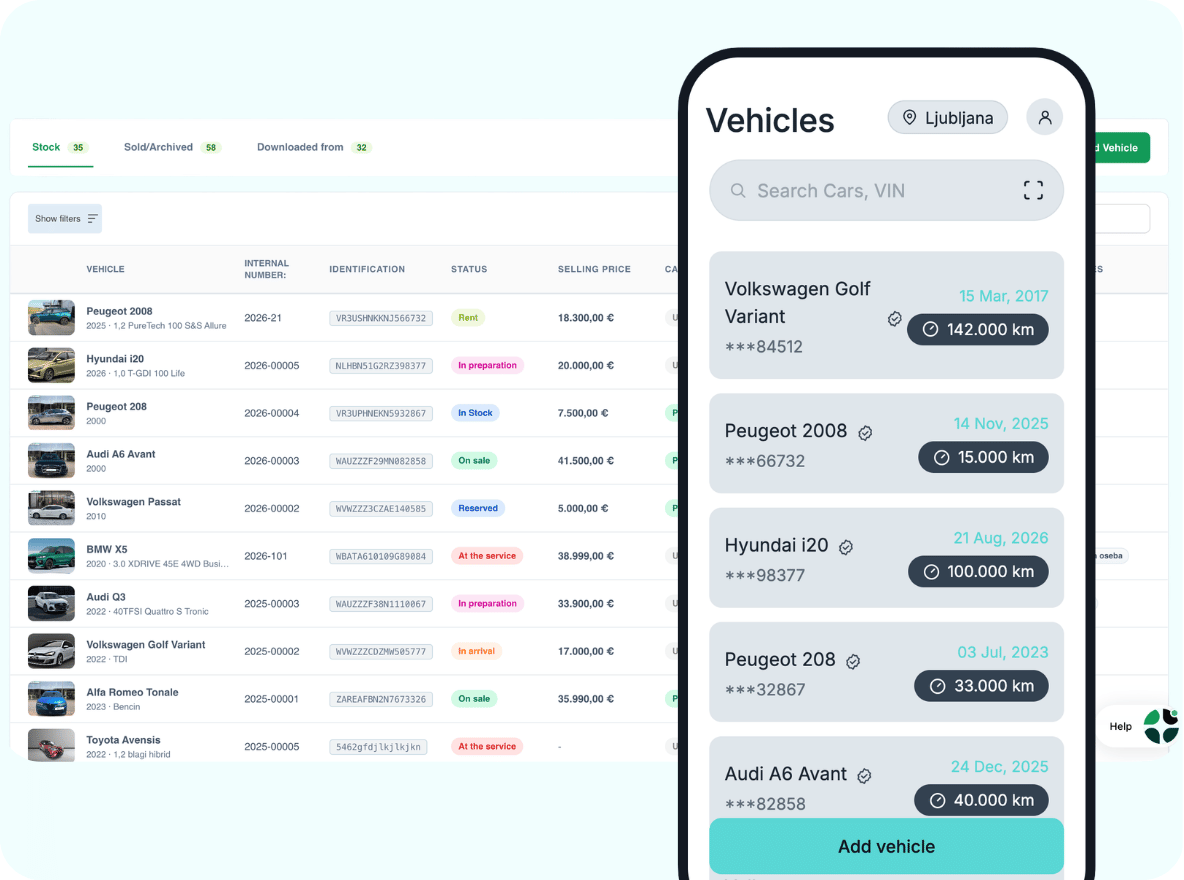
Control over your stock.
Vehicles in the CarPeak app are linked to the vehicle stock on the AutoBrief platform. This way CarPeak always gives you an up-to-date list of vehicles that:
you add to the app directly through vehicle entry,
you have saved in your stock inside AutoBrief.
Data is always synchronized – up to date in both the CarPeak app and on the platform.


Guided photography.
CarPeak guides you through the vehicle capture process. This ensures all vehicles are photographed in the same way, which contributes to a consistent look:
Markers to help with centering
Examples of correct positioning in the top corner
Option to retake a photo
Photos of the vehicle exterior and interior
Always the same standard
Always the right sequence, always the right process, always the right result.
Even without an internet connection.
Photograph your stock: quickly and easily
Edit photos: logo, backgrounds, plates
Offline mode: photograph even without a connection. Photos sync afterwards.
Recommendation: If you have a weak signal, we recommend turning on airplane mode and photographing the vehicle in Offline mode.
An app for everyone.
No subscriptions. No hidden costs.
You only pay when you photograph a vehicle.
You only pay when you photograph a vehicle.