



Photograph vehicles.
Professional result
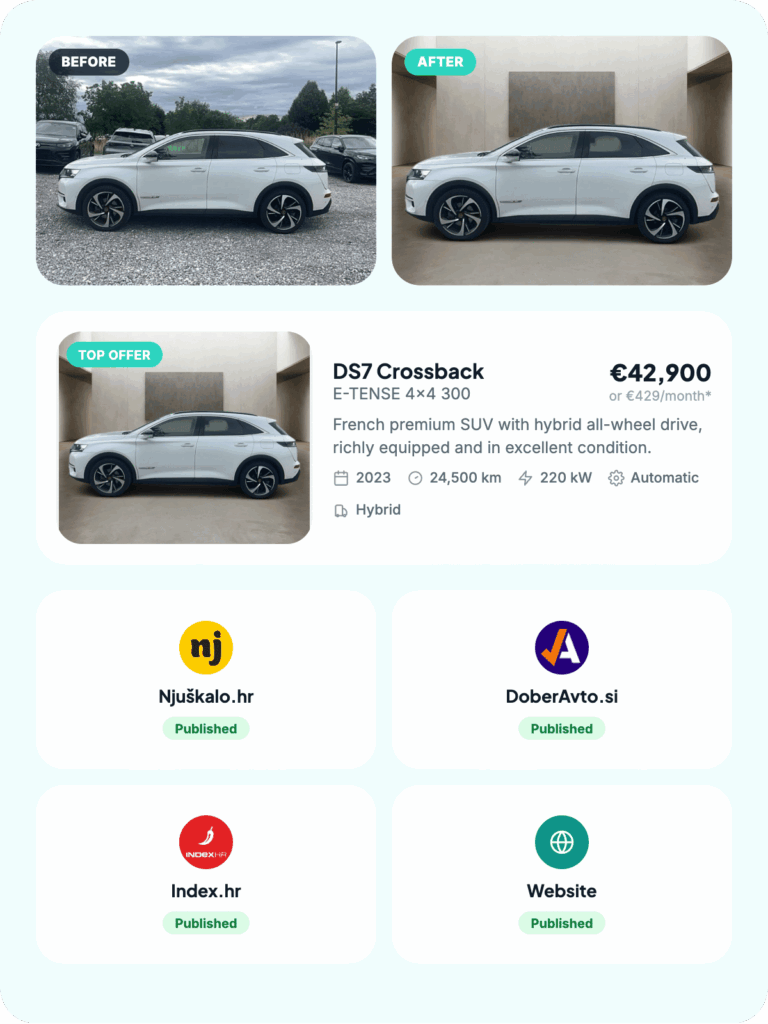
CarPeak uses AI to change the background, remove distracting elements and add logos as you wish.


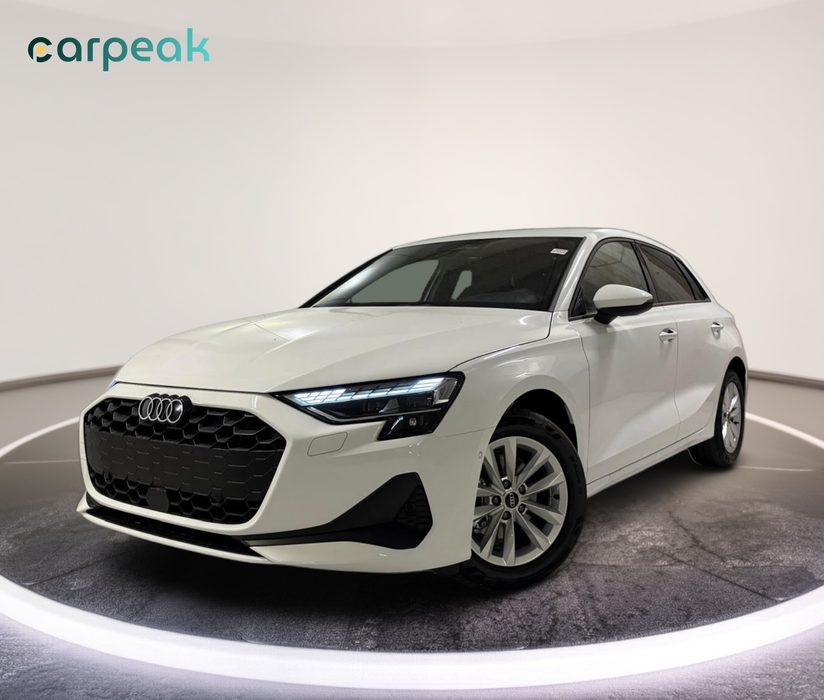
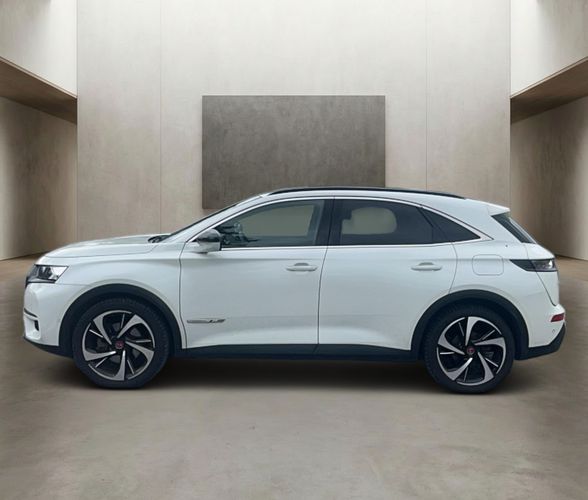
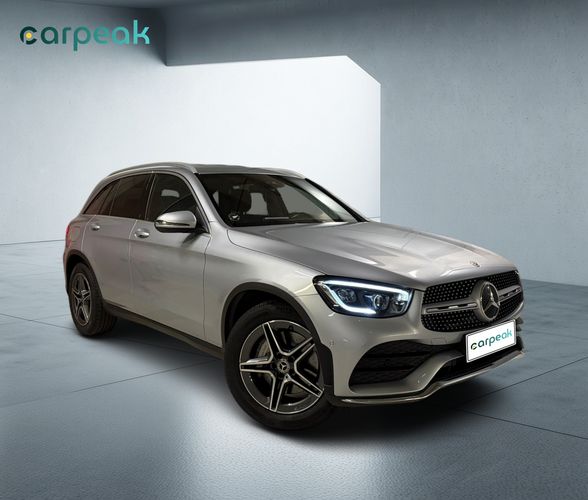
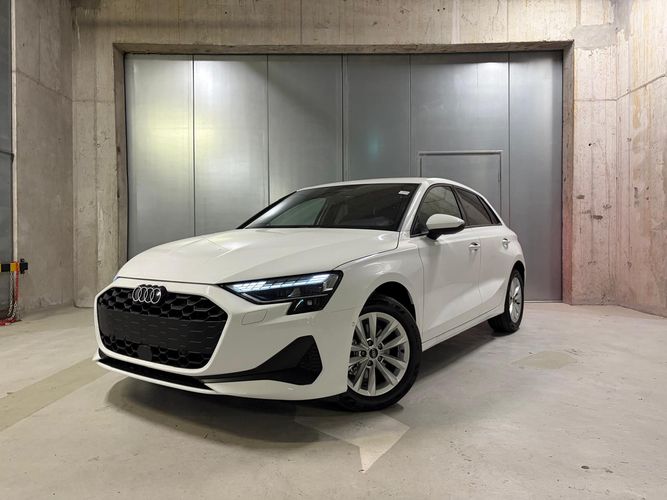
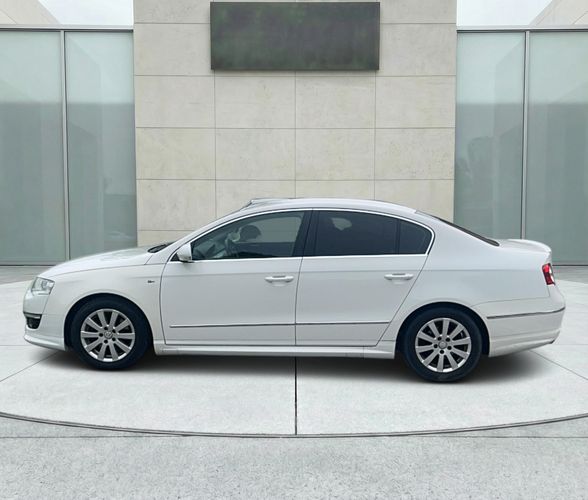
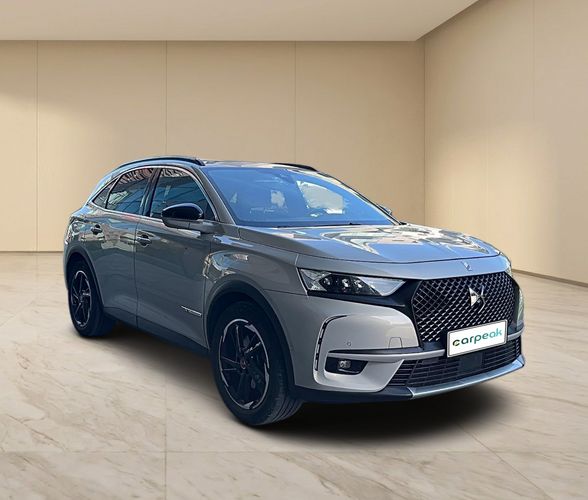
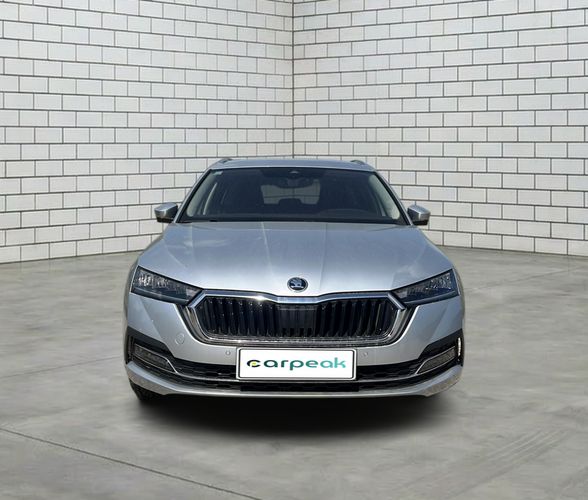



Faster and effortless.
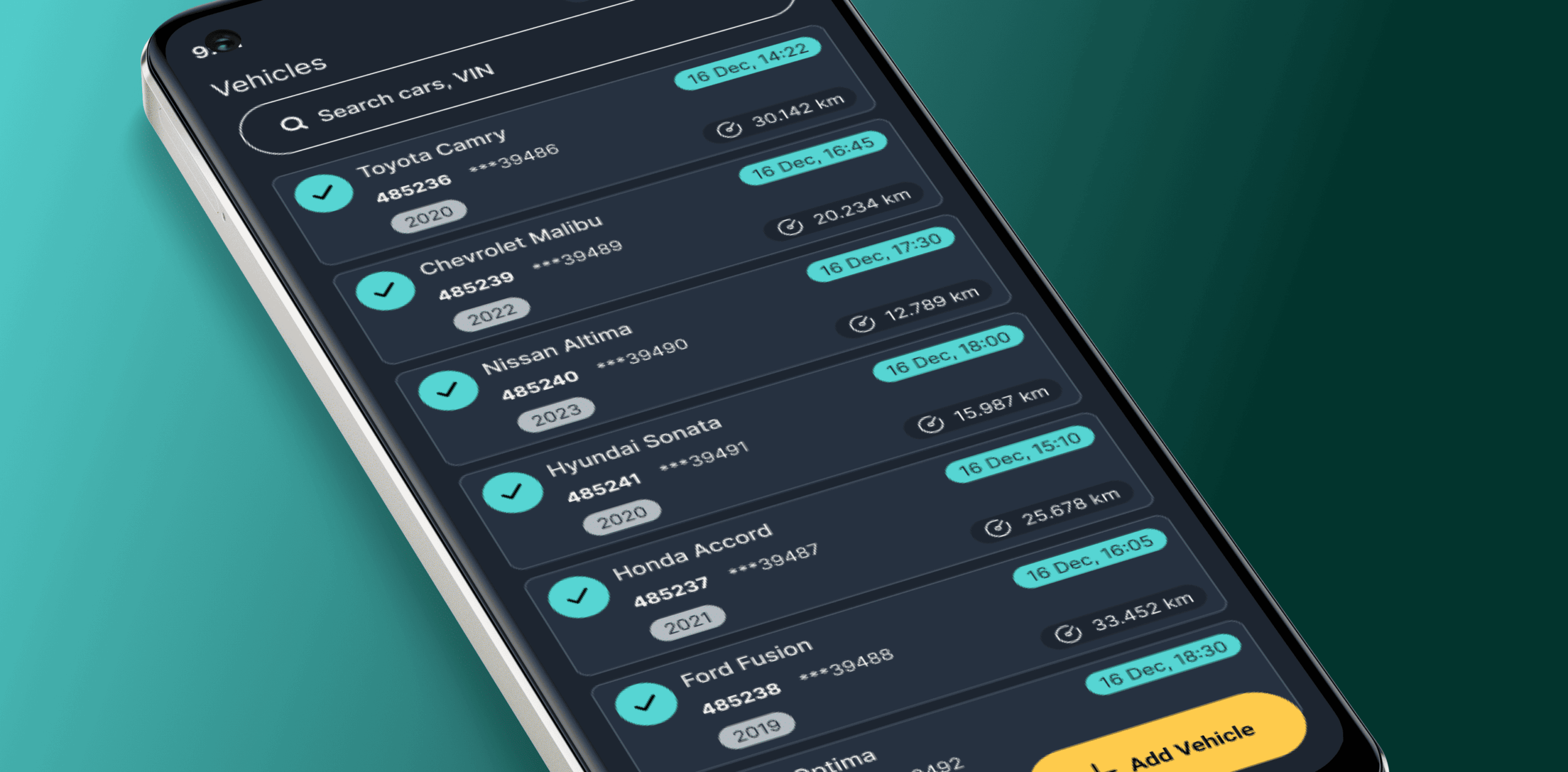
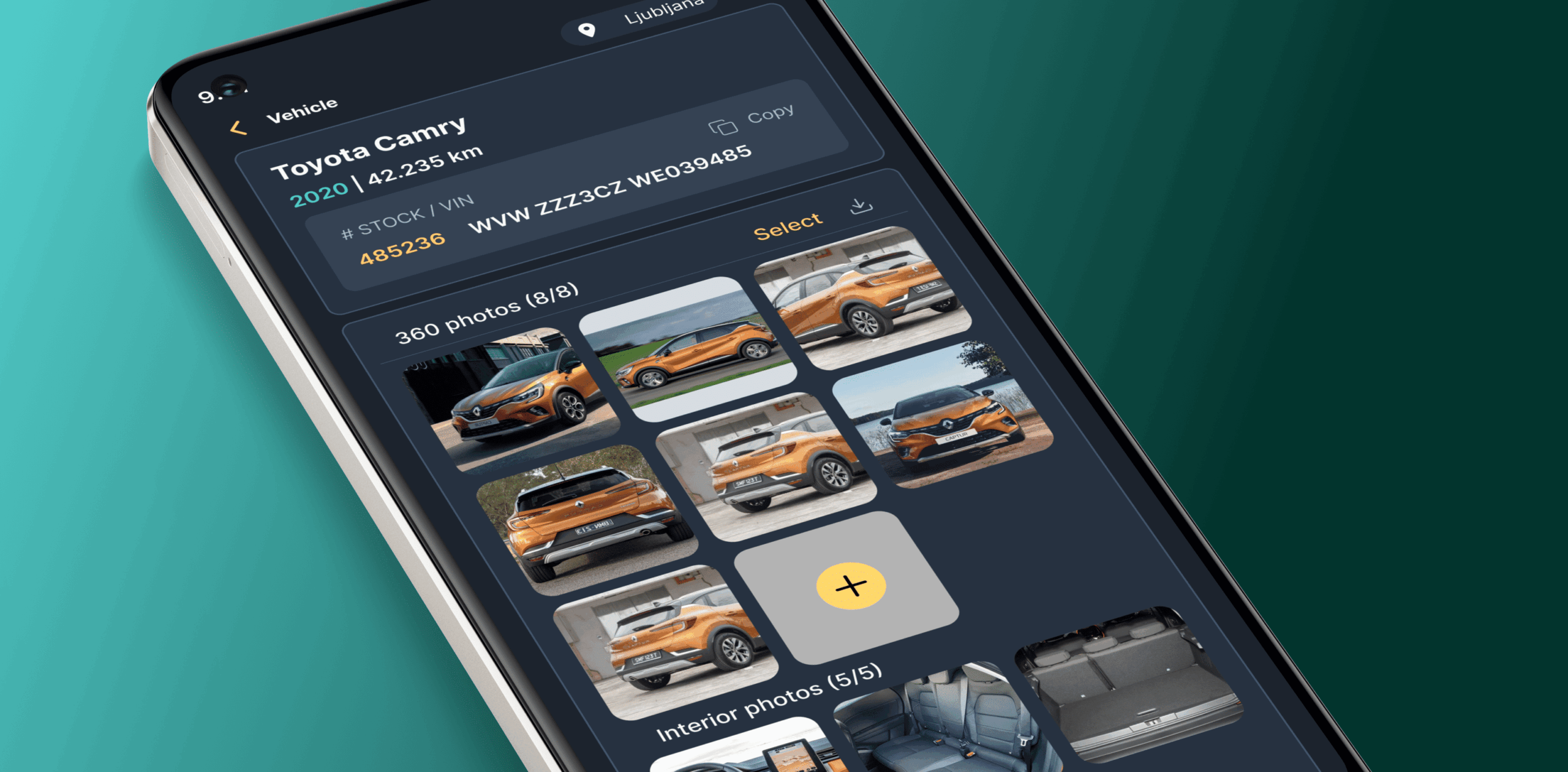
Enter the VIN number and add the vehicle
Adding a vehicle is quick and simple:
- CarPeak automatically recognizes the vehicle from its VIN number
- your stock is always available on your phone
- photos are automatically linked to the vehicle on the platform
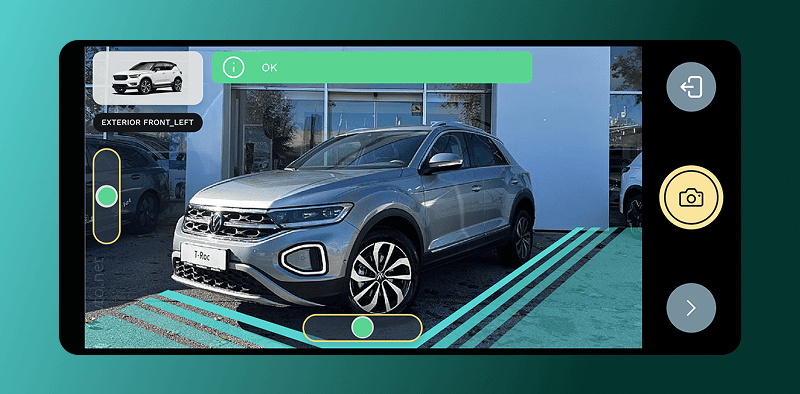
Photograph vehicles flawlessly
Capture all the key angles of the vehicle:
- the app guides you step by step
- every car is photographed in a consistent, professional way
- all key shots of the vehicle are captured from the right perspective
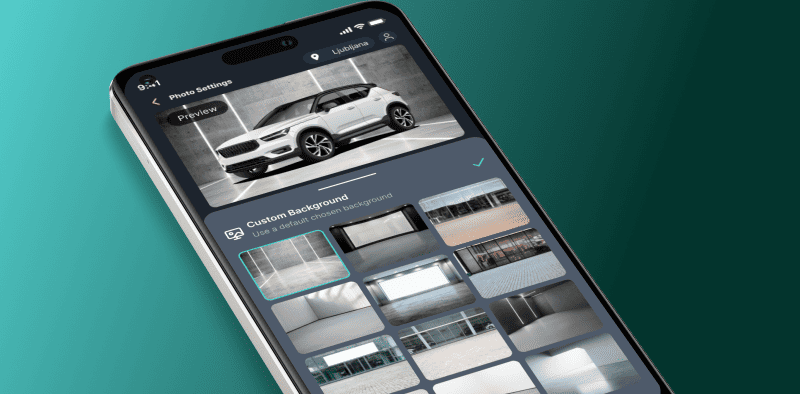
Choose the look of polished photos
Edit the photos you took with no hassle
- choose a background and style that match your brand
- hide license plates or replace them with a logo
- add your company logo at the chosen position
Publish a vehicle everywhere with one click
Publish everywhere quickly and easily:
- add the vehicle description and price
- publish the vehicle to all listing portals at once
- make sure all vehicles follow your brand
Every vehicle your way.
Your environment, your colors, your logo.
You don't need to be a photographer.
CarPeak guides you through photographing every vehicle.
The app shows you how and from which angle to shoot, so you get consistent photos of every vehicle.
Set the look of your photos.
For each branch you can set:


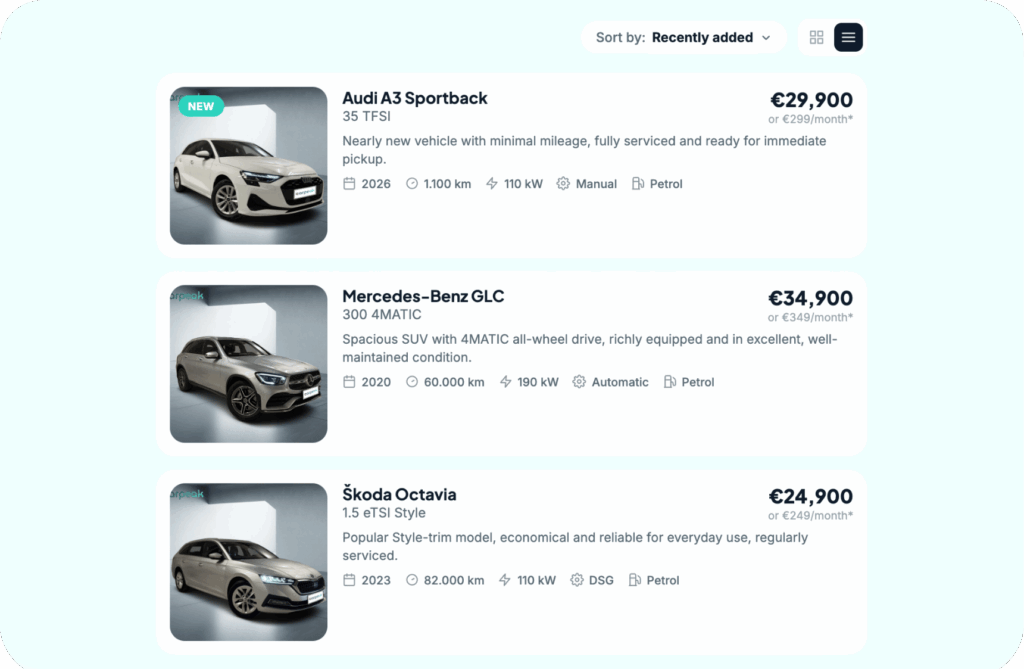
Always the same look for your offer.
Every car looks like part of the same story.
CarPeak ensures a uniform visual standard across your entire inventory.
The photo is ready. Now let the buyer see it.
With AutoBrief you can use photos and vehicle data to quickly create online listings and vehicle presentations.
Enter once. Publish everywhere.
Frequently asked questions.
Do I need a professional camera?
No. CarPeak is designed to be used with your phone, so you don’t need a professional camera or a photo studio.
How does the app guide me while photographing?
CarPeak guides you through each shot and helps you capture the vehicle from the right angles.
Can I photograph several vehicles in a row?
Yes. The process is designed for quickly photographing a large number of vehicles.
What happens to the photos?
Photos are processed automatically and prepared for use.
Do the photos connect to AutoBrief?
Yes. CarPeak can be connected to AutoBrief, so photos can be used directly when preparing a listing.
Do I have to upload photos to a listing manually?
No, if you use the AutoBrief connection. The purpose of the integration is to carry photos and data to the next step without unnecessary manual work.
Do I need special training?
No. The main goal of the app is to make photography simple enough for every team member to use. Of course, our team is always here if you need help.
Better photos. Less work.
Your first 10 vehicles are free.