
Opens in a new tab
CarPeak logo
Login
CarPeak logo

Polished photos of vehicles

Processed photos – a professional look in a few minutes.

Preparing polished photos of your vehicle stock has never been this easy.
Download on the App StoreGet it on Google Play
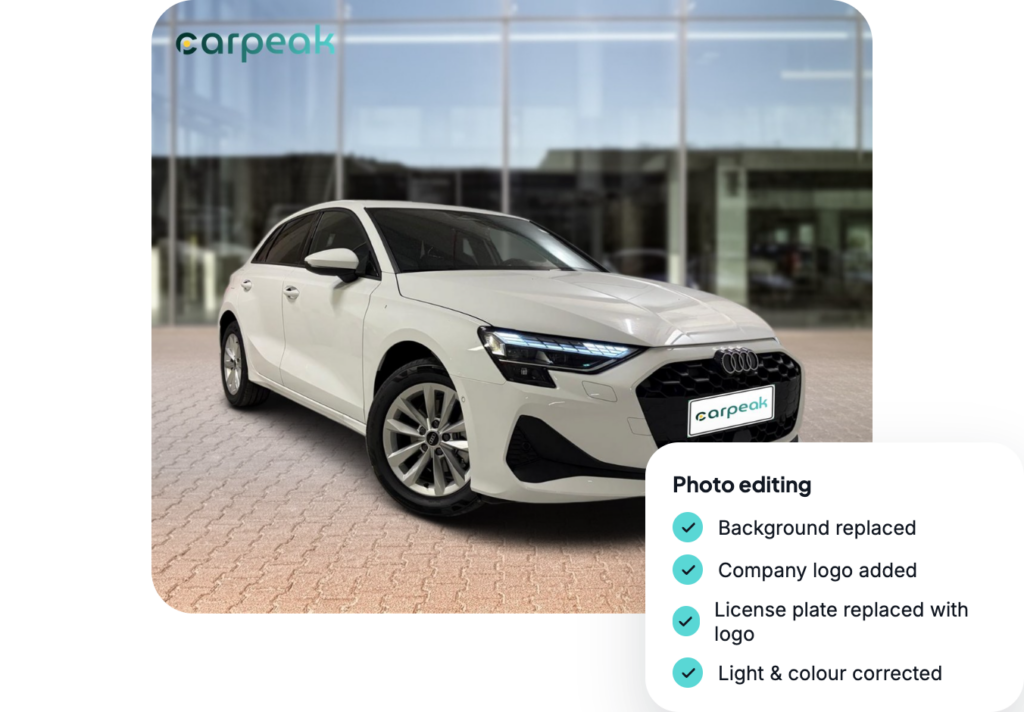
Vehicle photos edited automatically by CarPeak

Edit photos your way.

9 out of 10

of buyers would choose a listing with polished photos

93%

of buyers would buy a vehicle from a dealer who inspires trust

55%

don’t have a chosen dealer

50%

of those who view a vehicle and leave a contact buy the vehicle

Choose a background and logo.

Choose from 20+ backgrounds that make your vehicles stand out. You can also add your company logo to the photo, so a potential buyer immediately knows whose vehicle it is.

50+ backgrounds: from studio to showroom.
Company logo: on every vehicle photo.
Uniform look: the whole stock in the same style

An appealing image is the difference between a listing the buyer skips and one where they stop.

Background 46 Background 40 Background 24 Background 22 Background 18 Background 7 Background 31 Background 44 Background 38 Company
Logo
Preview
Banner Logos
Over 50 backgrounds.
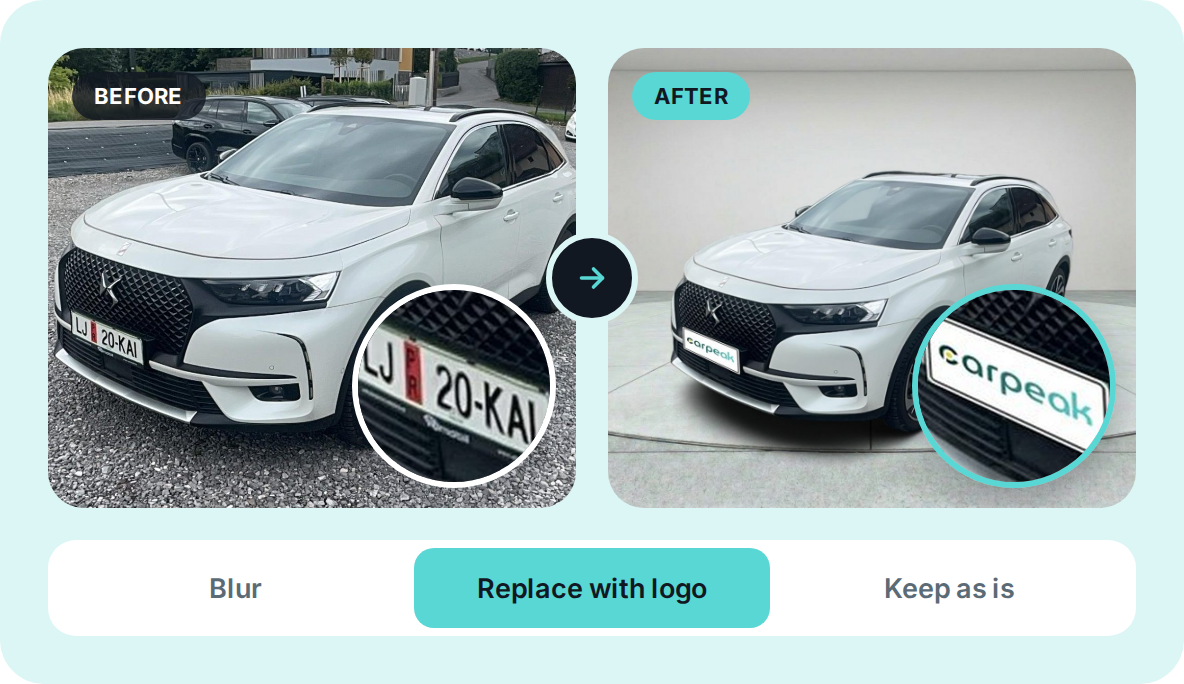
Vehicle photo with the license plate automatically hidden

Hide the license plate.

Choose how the license plate appears in photos. You can:

remove license plates completely,
replace plates with a logo,
leave plates as they are.

An appealing image is the difference between a listing the buyer skips and one where they stop.

More branches?

More branches, more styles — no problem. Each branch has its own logo, its own background and its own settings.
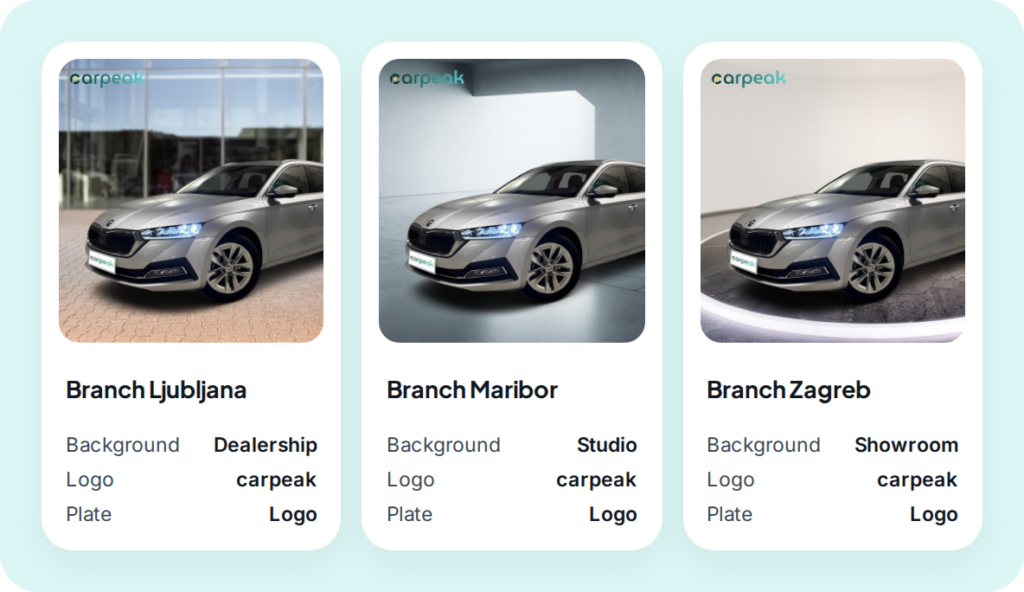
Own logo for each branch
Own background and license plate settings
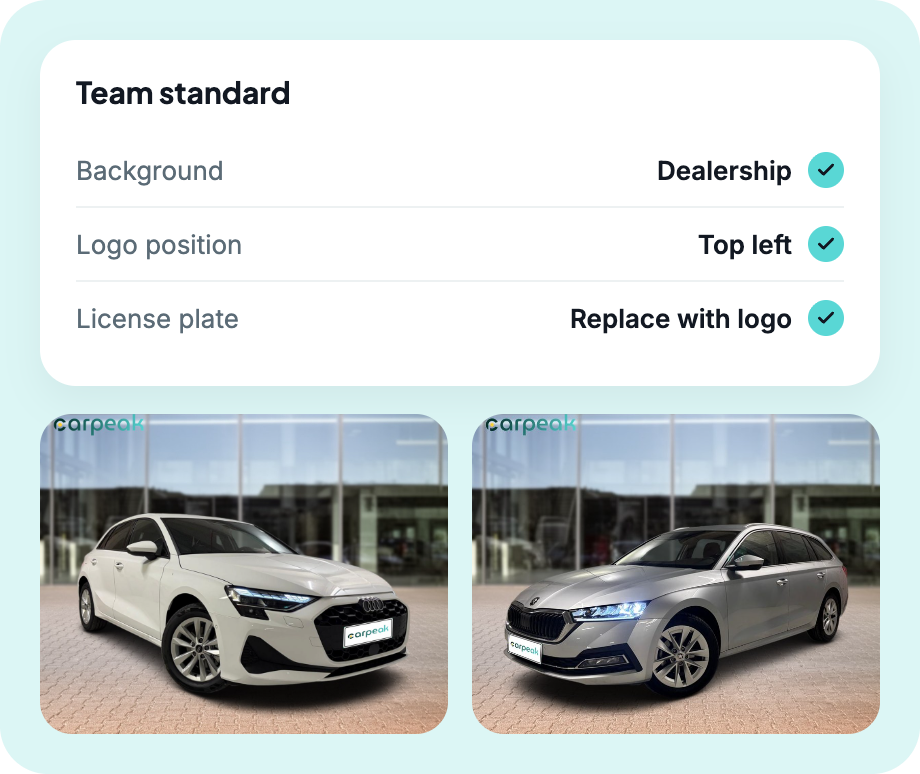
Uniform standard within each branch
Choosing the branch background for vehicle photos in CarPeak
Photo recommendations screen in CarPeak

Recommendations

Set one standard for the whole team. Once the settings are in place, all stock photos are in the same style.

Choose a uniform background style for all vehicles in stock.
Check the logo and its placement.
Place the logo so it does not cover vehicle details.
Standardize license plate settings across the whole team.
Before photographing your entire stock, test the settings on a test vehicle.

With CarPeak, photo preparation is no longer a burden but an advantage.

Everything prepared, connected and optimized so you have more time left for selling.
Download on the App StoreGet it on Google Play